
Step 3: Check What's on the Session
You do not plan your sessions. Spark tracks where your group is in the curriculum and puts a lesson or an assessment on the group’s next session before you open it. This step is a check, not a decision.
Why It Is Already There
Every group moves through the same phases in order, and the phase decides what gets assigned:
Icebreaker -> Pre-assessment -> Building blocks -> Lesson sequence -> Post-assessment -> Complete
Only the group’s next scheduled session gets filled in, not the whole term. That is deliberate: a session that runs long or gets rescheduled does not knock the rest of your calendar out of order. The full rules are in How Content Gets Assigned to Your Sessions.
What to Check
- Does it match where you think the group is? If the group has moved faster or slower than the platform thinks, this is where you would catch it.
- Is anyone working something different? On pre-assessment sessions, assignments are per student. Two students in the same session may be working different assessments, and one student may have several.
If You Want Something Else
Auto-assigned content shows as read-only, with edit controls appearing when you hover over it. That is on purpose, so the screen reads as a decision already made rather than one waiting on you.
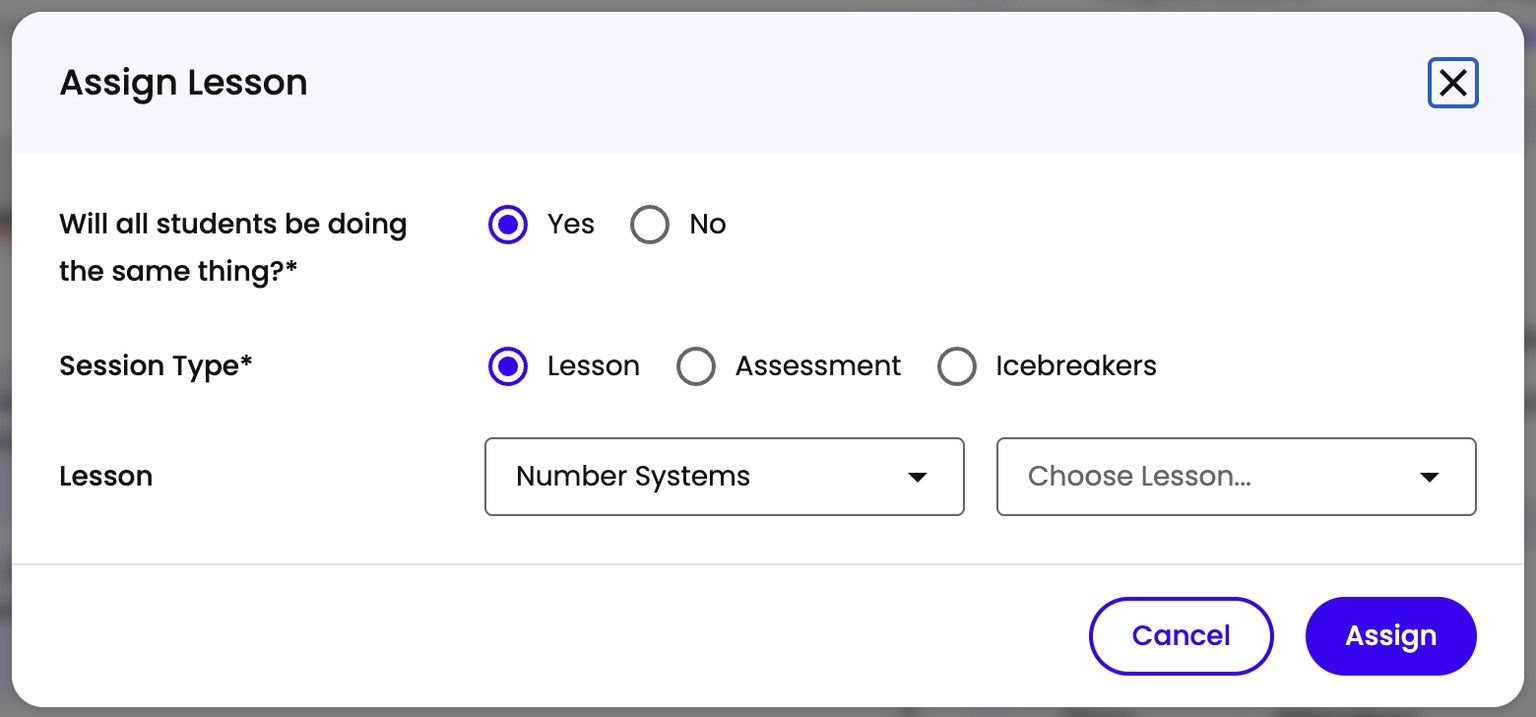
To change it, open the Assign Lesson form.
Full steps: Assigning a Lesson to an Upcoming Session.